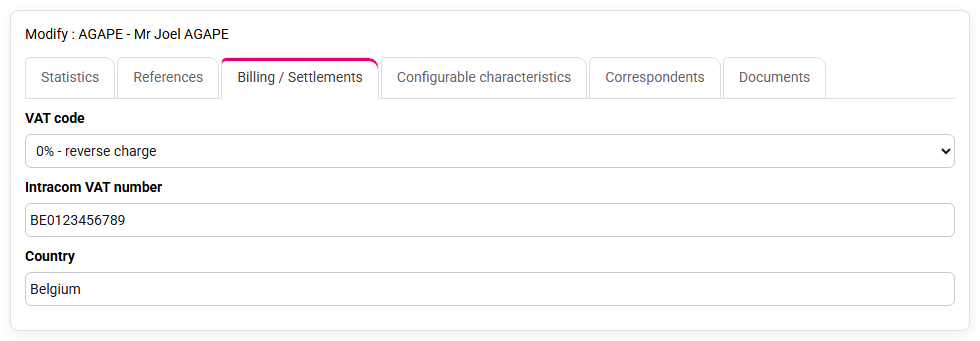
How to manage the reduced VAT rate, the reverse charge of VAT for EU export, or the VAT exemption for export outside the EU?
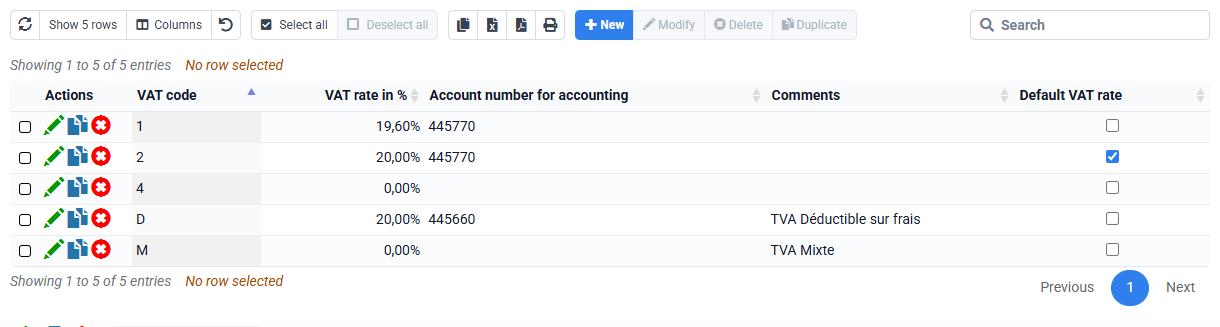
By default, the VAT rate proposed for an invoice line is the one configured by default in the sales code used for this line.
However, on a customer file in the "Invoicing / Payments" tab, it is also possible to define a rate specific to a customer, which will be used if it is lower than that configured for the sales code. Thus, if the rate for the customer is 8.5%, it will be applied instead of the 20% rates configured in the sales codes. But if a disbursement sale code is set to 0%, 0% will be applied.
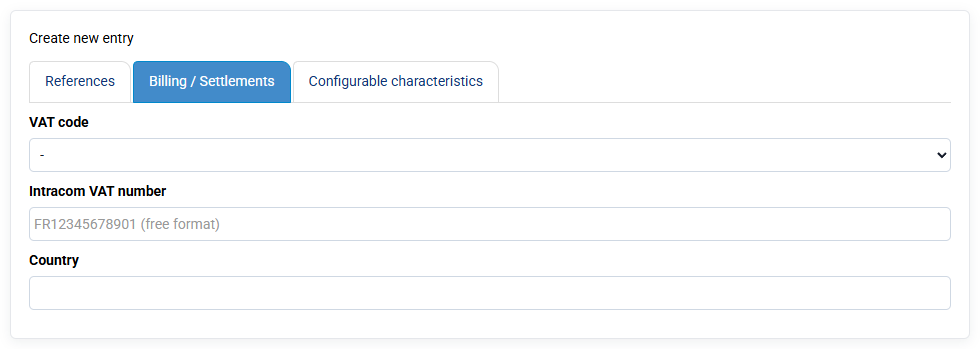
In any case, you can change the VAT rate applied to a particular line of your invoice, unless you have checked the option "Prohibit modification of VAT code in invoice lines" in « Configuration > General Options », onglet « Billing »
If you have set a rate of 0% for a customer, then an automatic generation of legal notice will be done in the PDF invoices generated for this customer:
- If an intra-community VAT code is filled in, then the legal notice "Auto-liquidation TVA due par le lessee CGI art 283-2" will be added to the invoice
- Otherwise, the words "VAT not applicable - art.259-1 of the CGI" for extra-community exports will be added automatically.