How to renew budgets?
A collaborator is required for time and expenses
Every actual or budgeted time or expense line must be linked to a collaborator who already exists in Tempolia and is present on the line date, meaning between their hire date and departure date, inclusive. A time or expense budget therefore cannot be created without a designated collaborator or linked to someone who will only be created later. A generic code such as “UNASSIGNED” would itself be a real collaborator: while present, it automatically appears under “Collaborators > Collaborator logins and rights” and is counted as a present collaborator for the subscription, regardless of its password or access rights.
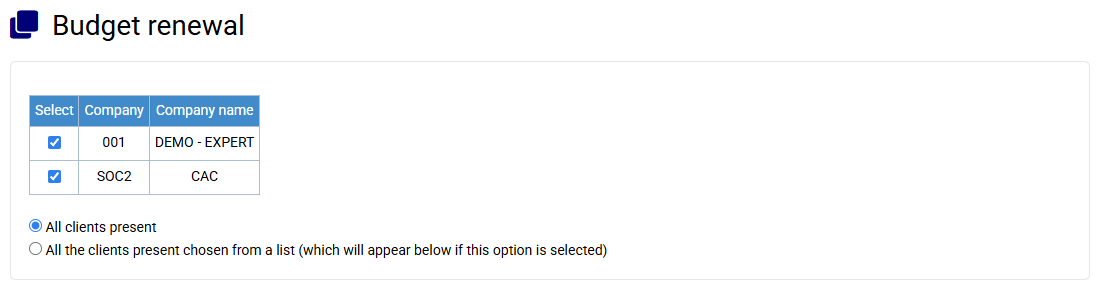
After creating your matters, in the menu « Clients / Matters > Budget renewal »:
- Select the companies concerned, and the clients for which you want to renew budgets
- Select the matter code to renew, then the destination matter code
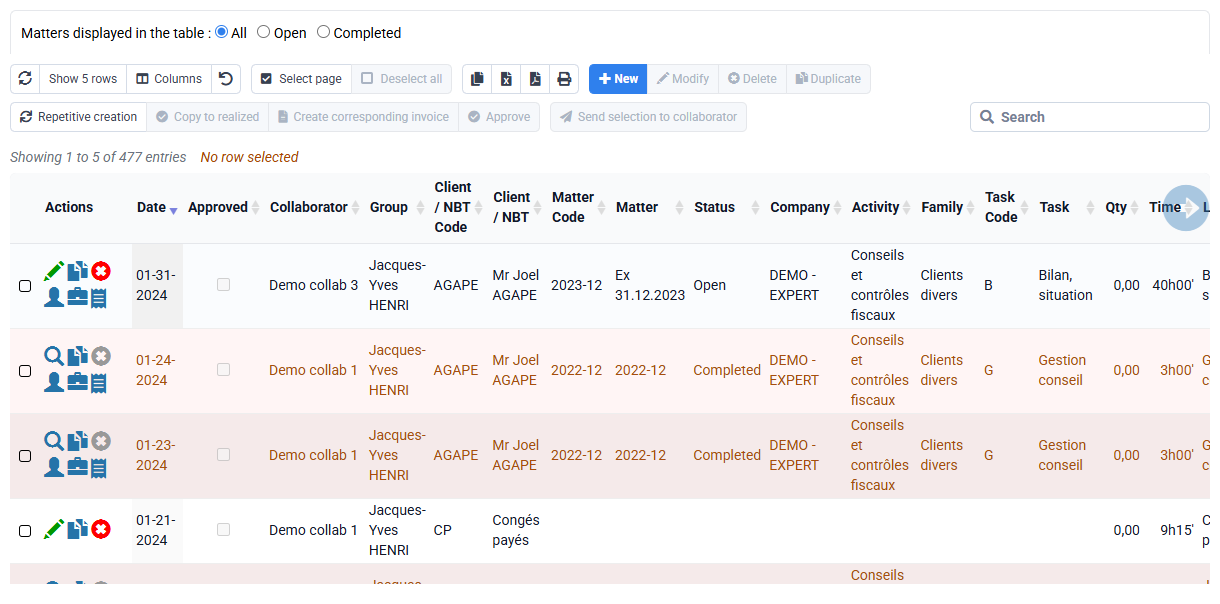
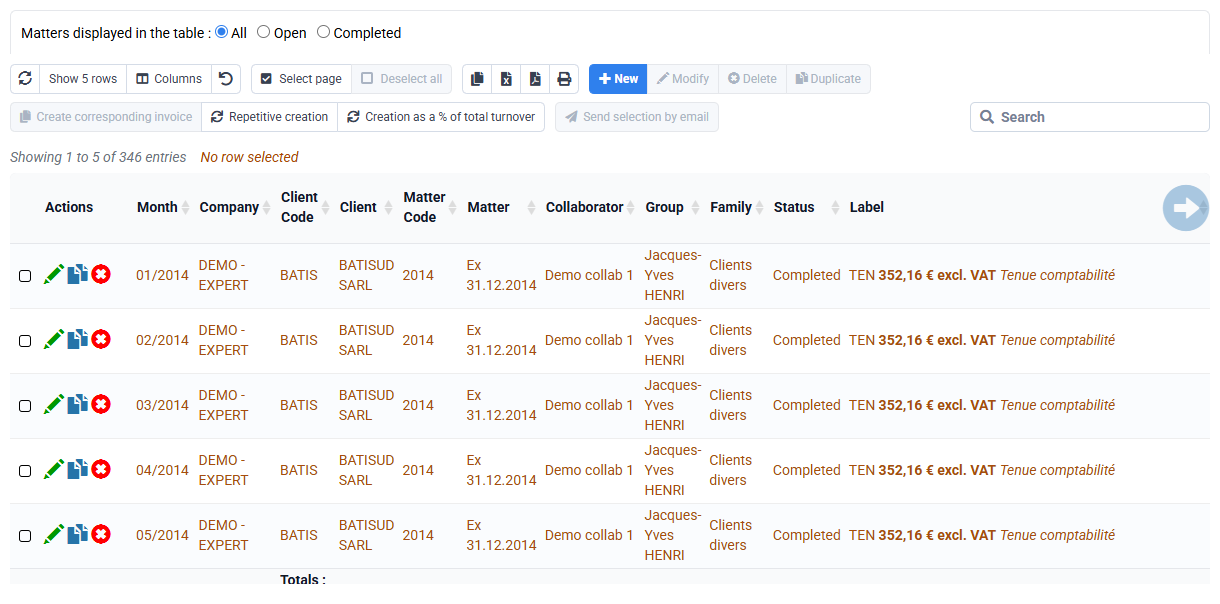
- Define the origin of this creation (budgets / realized), the data to be created (times / costs / invoicing), and any increases in the amounts of the invoicing budgets to be created
- If necessary, restrict the period of the data to be renewed
- Indicate the offset in months to be applied during the renewal. A 12-month shift allows budgets to be copied from one year to another. PS: You can also renew billing budgets on themselves (source matter = target matter) by indicating a shift of 0 months, in order to increase them without further modification.
- Then click on "Send".