


Help - Questions / Answers
Clients / Matters
- What process should be followed for the departure of a client?
- Which email is used for my sending to my clients?
- How to code my affaires efficiently in Tempolia, and what are the challenges?
- How to recode a matter?
- How to end or reopen a Matter?
- How to delete a matter?
- How can I create matters with the same code for several clients?
- How to analyze the bonuses / mali by customer and business to evaluate the FAE (invoices to be established) or the PCA (deferred income)?
- What is the difference between commercial work value, exceptional items waiting to be billed, accrued income and trade receivables?
- How to import times to quantity from Excel?
- How can Tempolia be used for project management?
If a client is no longer part of your portfolio, you can put a departure date.
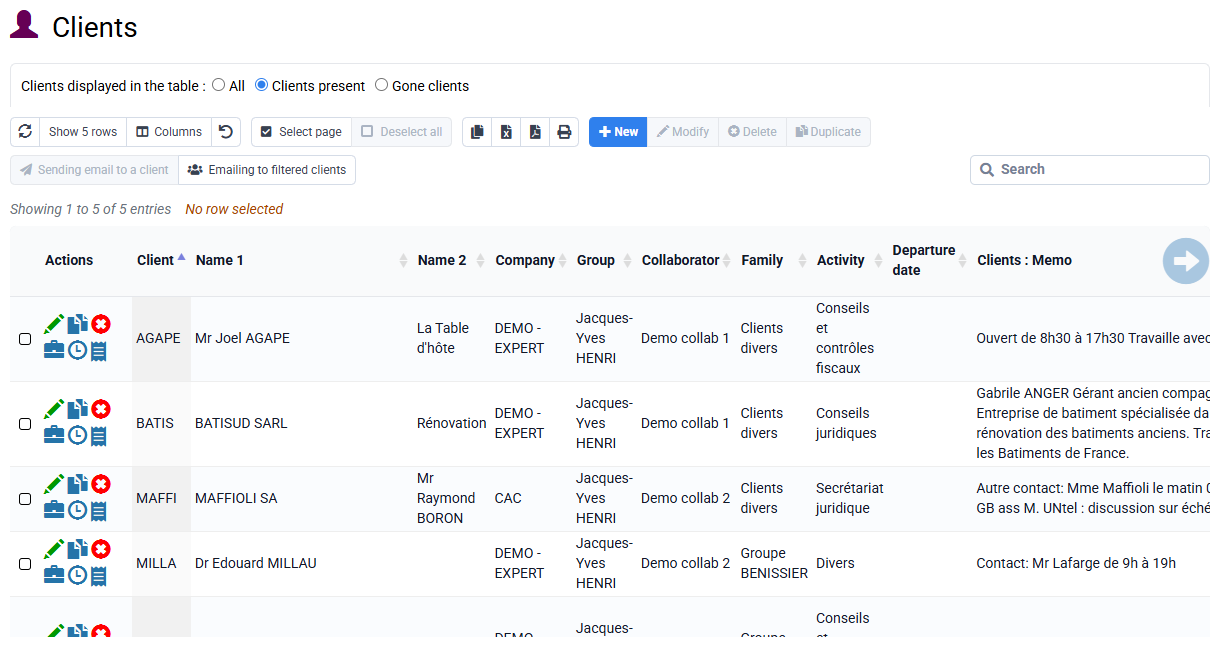
To remove a client, there must be no more open deals associated with it.
You can consult the procedures to know how to end and / or delete a case. They are available in the FAQ as well.
Finally, you can enter the departure date in the client file.
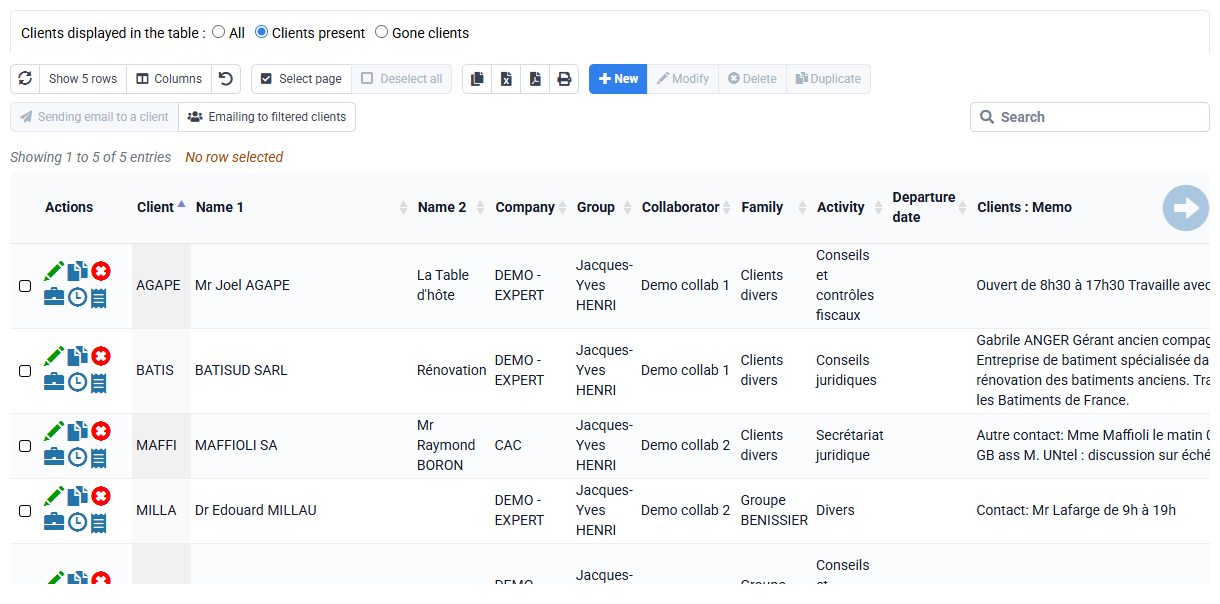
If necessary, you can delete this client by selecting it and then click on "delete"
As a preamble, the customer email used for a shipment can come from 3 locations:
- In « Clients / Matters > Clients », an email can be entered in the reference tab of the customer file;
- A specific email for invoicing can be defined in the Invoicing tab of the customer file;
- And in « Clients / Matters > Matters » a specific email for invoicing can be defined in the Invoicing tab of the business file.
When you send any email to one or more customers, by selecting one or more customers on the « Clients / Matters > Sending email to a client » page, then it is the generic email of the customer coming from the 'Customer Reference tab that is used.
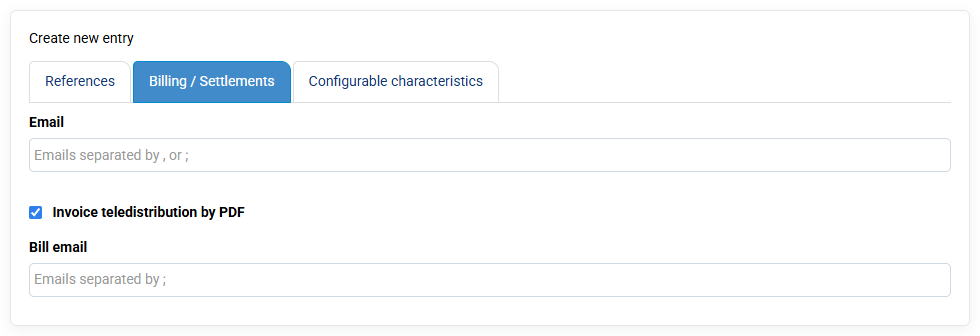
When you send one or more invoices via “Invoicing > Invoices”, or if you use “Invoicing > Customer reminders”, then the invoicing email for the case is used as a priority if it is completed , or if empty it is the customer's billing email, or if also empty then the customer's general email is used.
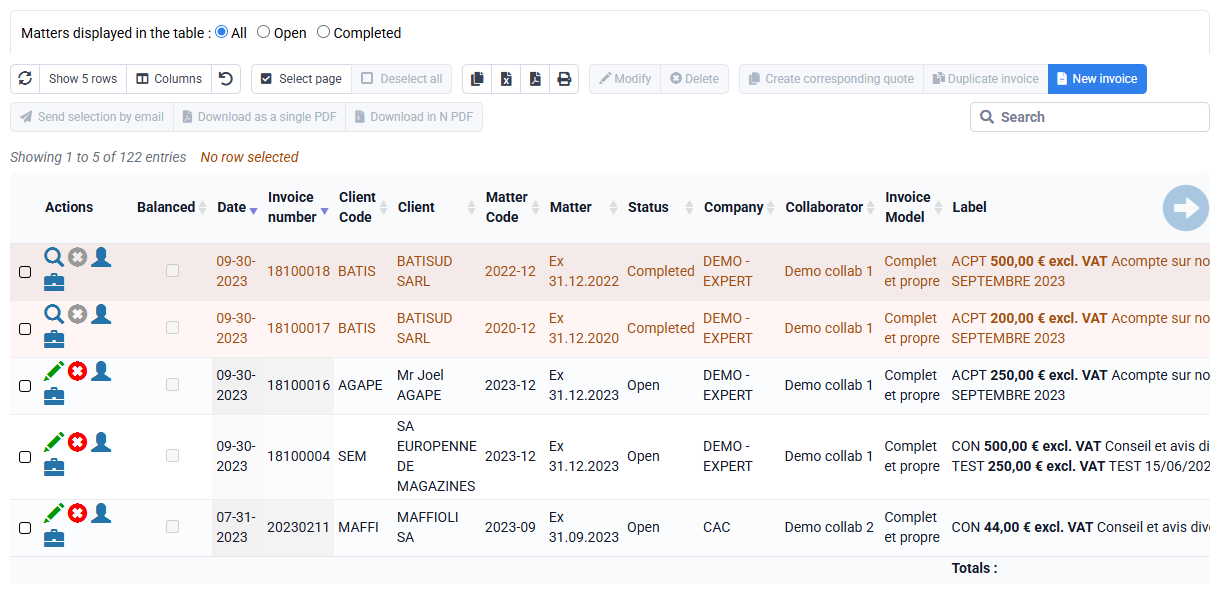
The "affaire" is the basic unit for tracking the profitability of a client. Time, expenses, and invoices must be associated with both a client and an affaire.
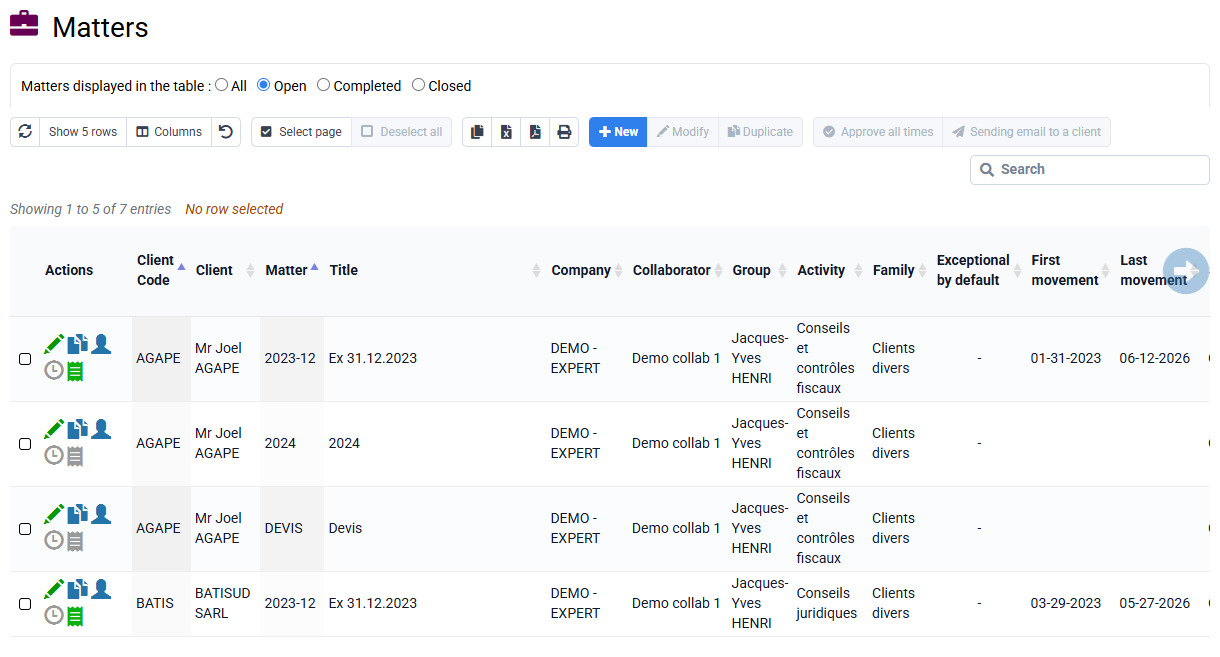
The concept of "affaire" usually includes terms such as mission, project, contract, site, and may also include a notion of fiscal year or calendar period.
For example, in accounting firms, affaires often correspond to missions combined with client fiscal years, while in the construction industry, they represent projects or building sites.
Each affaire is identified by a unique code linked to a client. A client cannot have two affaires with the same code, but different clients can share the same affaire code. You can add specific prefixes to the affaire codes to facilitate grouping and analysis by type or period. For example:
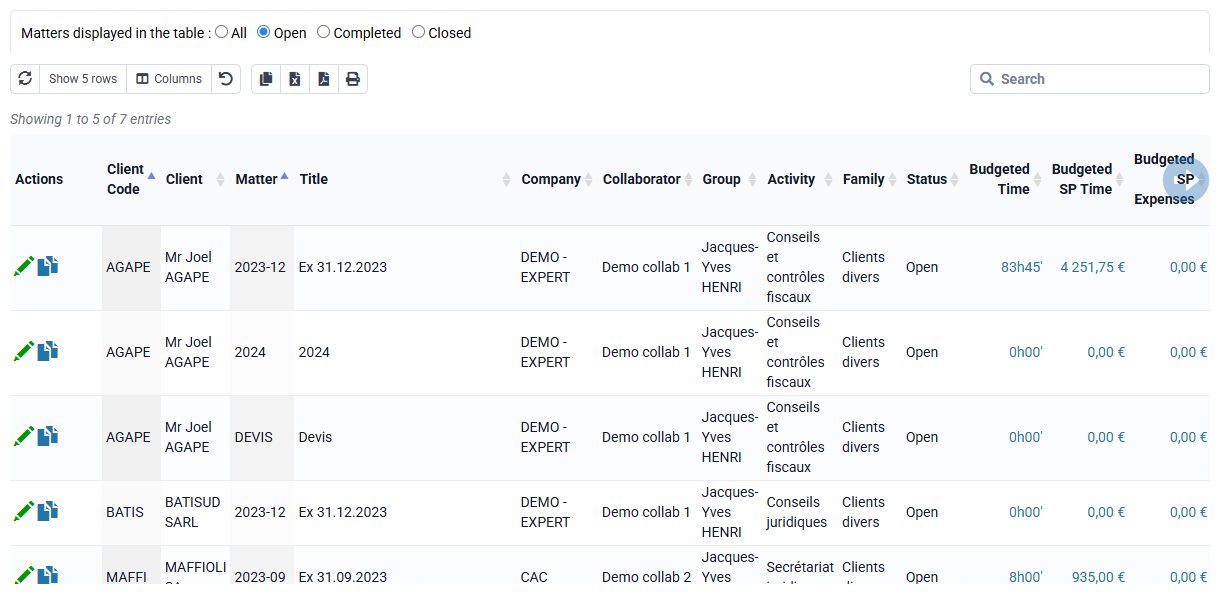
- An accounting firm might code its accounting affaires as C2025-12 and its social affaires as S2025.
- A law firm might code its affaires according to case numbers or by year for regular advisory services.
- An engineering firm might code its affaires according to project codes or individual contract codes.
Tempolia also offers advanced features such as bulk creation of similar affaires (e.g., generating all affaires for 2025 in a single request).
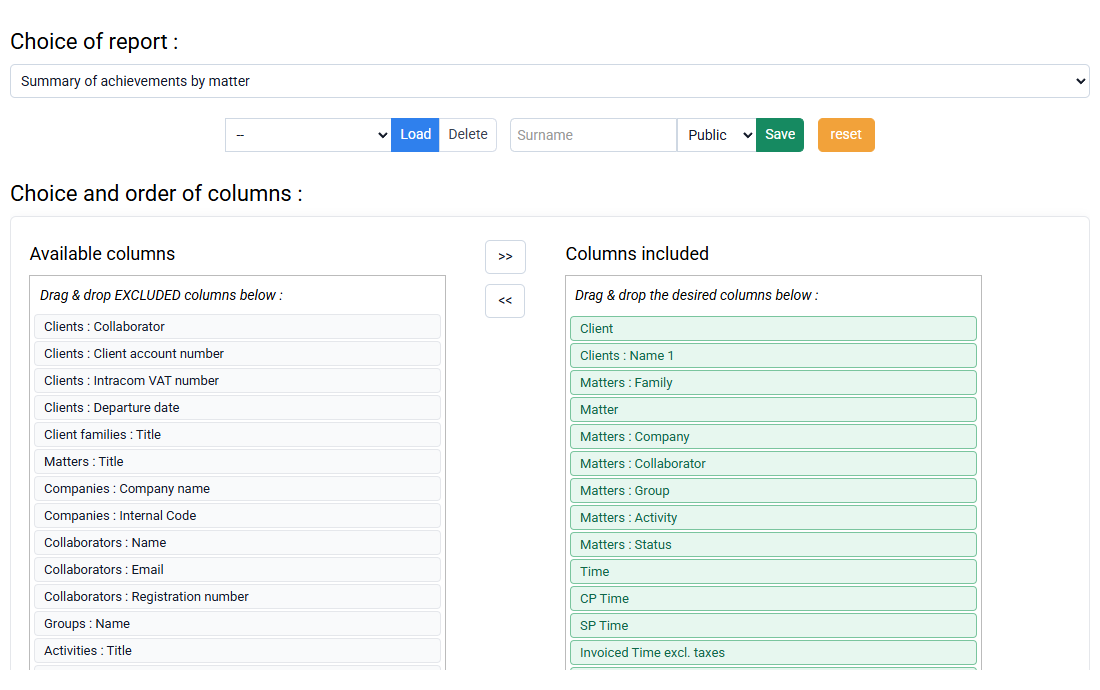
Summary or detailed reports allow you to review profitability or activities by type of affaire or defined periods, providing a powerful tool for performance tracking and future budget planning.
Make sure as much as possible that you are the only person logged in in Tempolia, or at least that no one is working on this case in parallel.
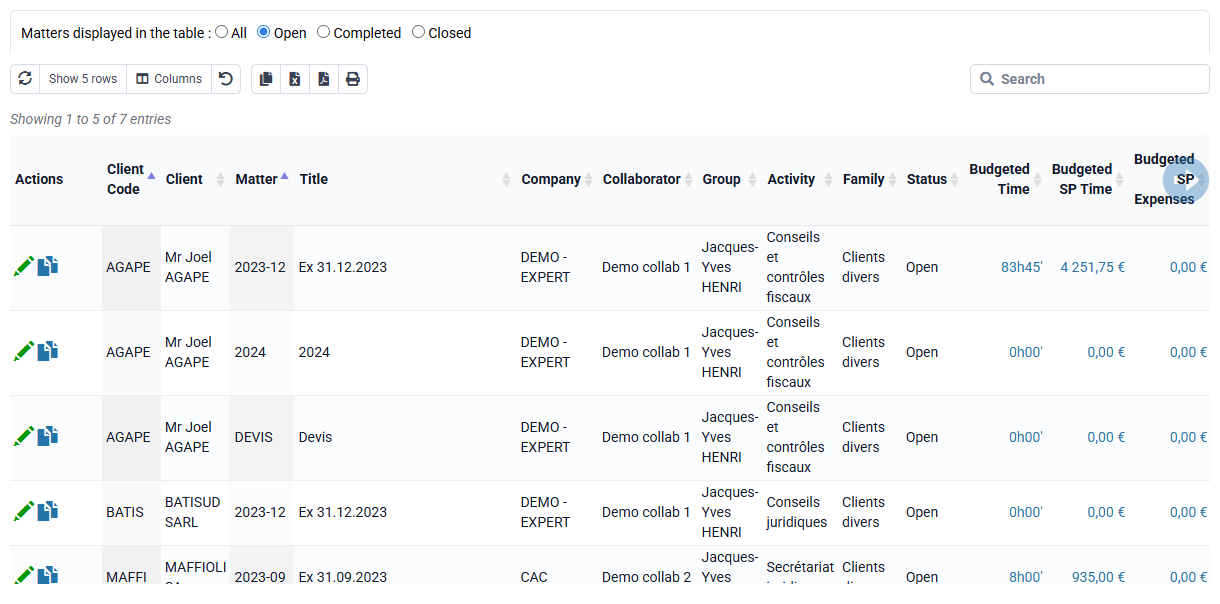
- In the "Matters" menu, enter the matter to be recoded
- At the top left, you can recode the case directly in the "case" box
(account code limited to 10 characters)
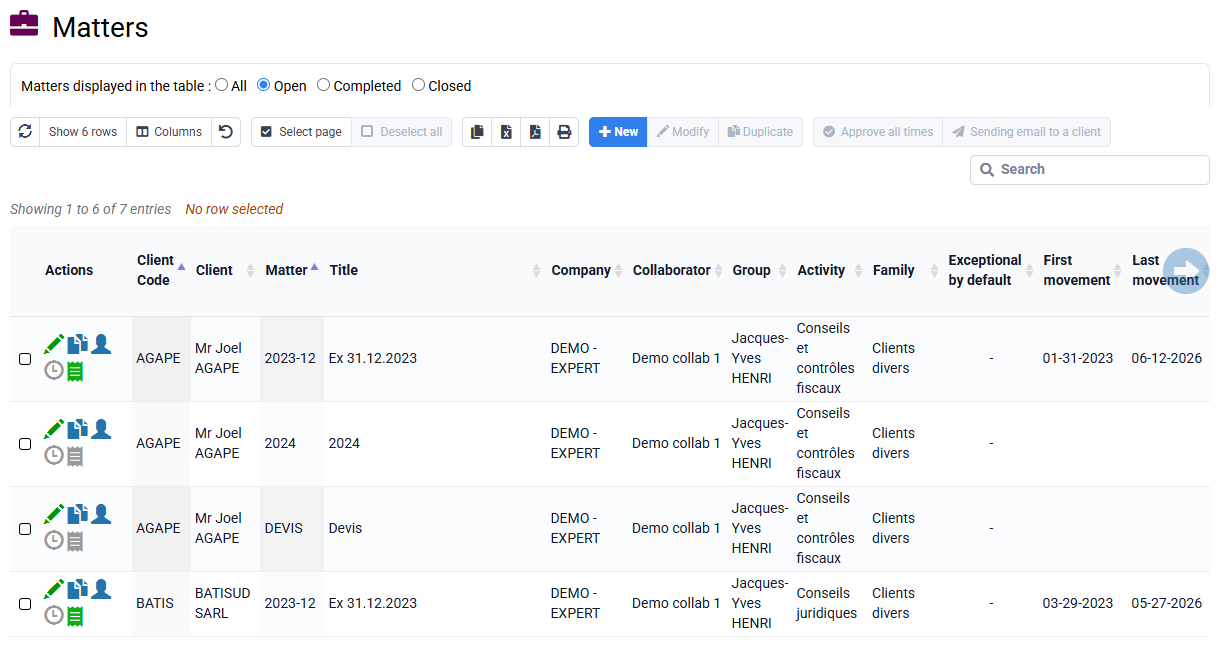
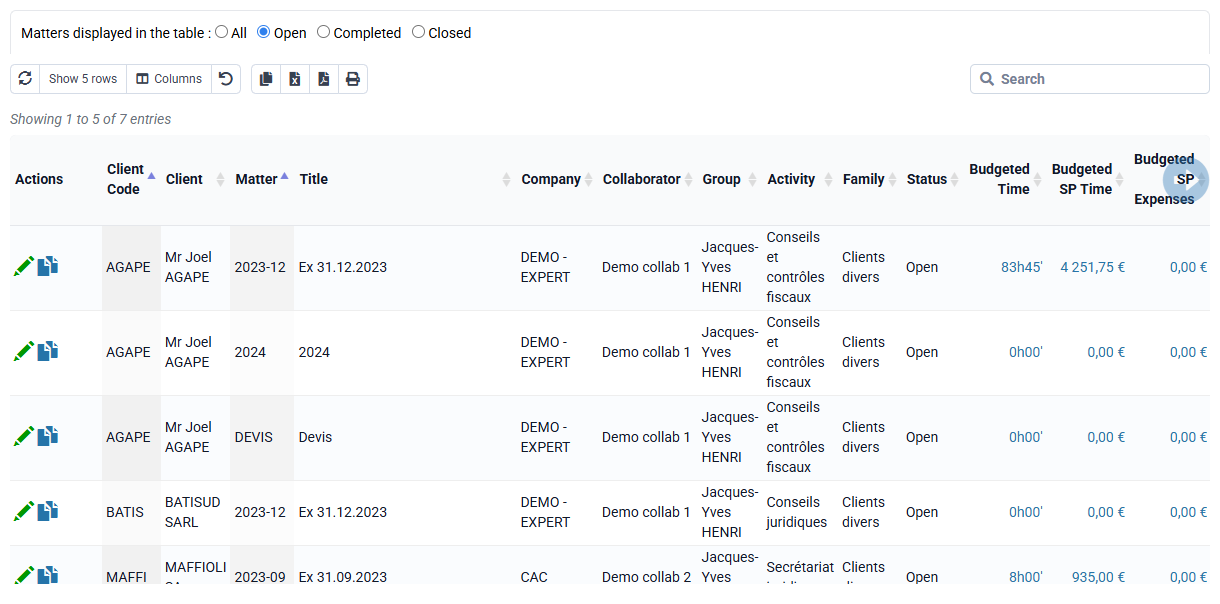
- In the menu « Clients / Matters > Matters »
- Select the case to finish / reopen with the box on the far left
- Click at the bottom of the table on "Finish" or "Open"
- Once all the desired operations have been prepared, click on the blue button at the bottom: "Execute all state changes".
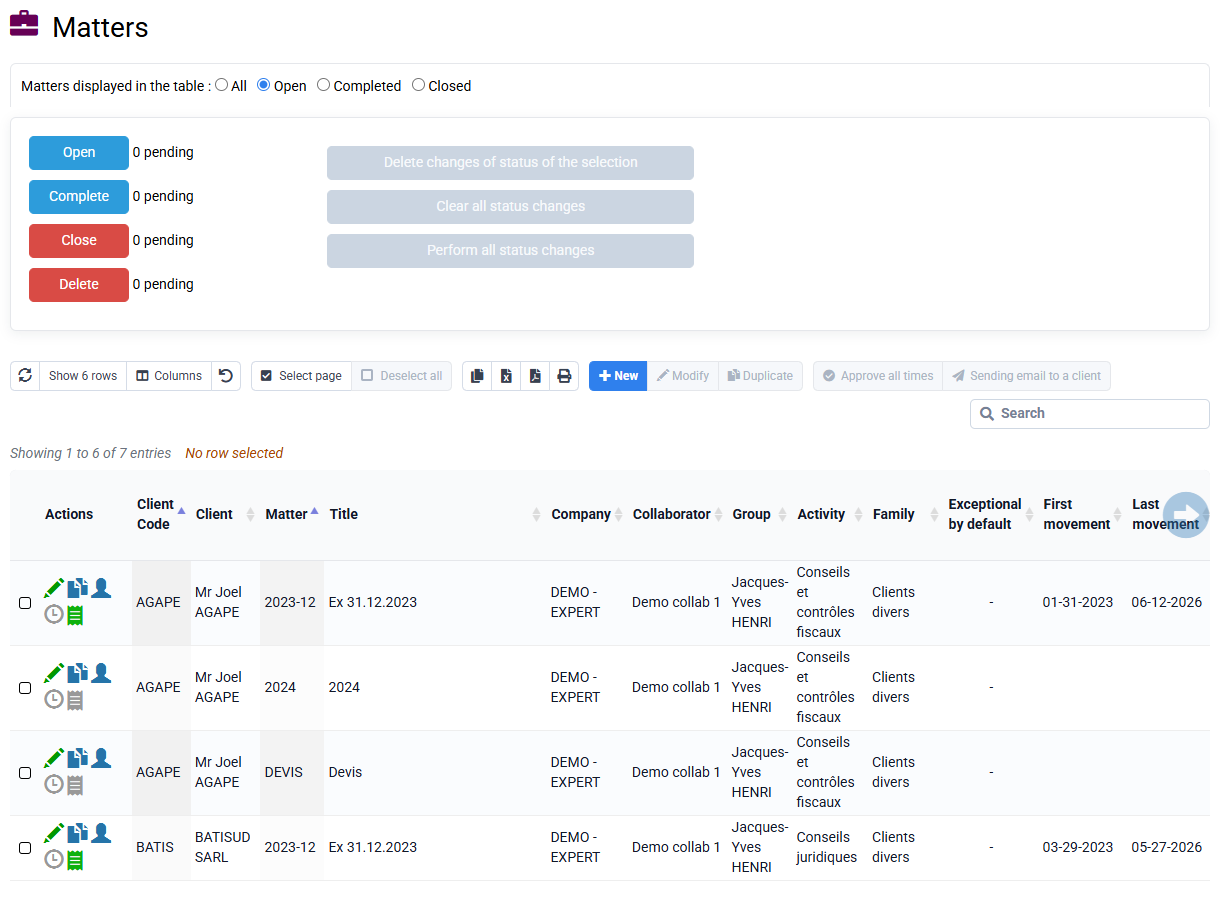
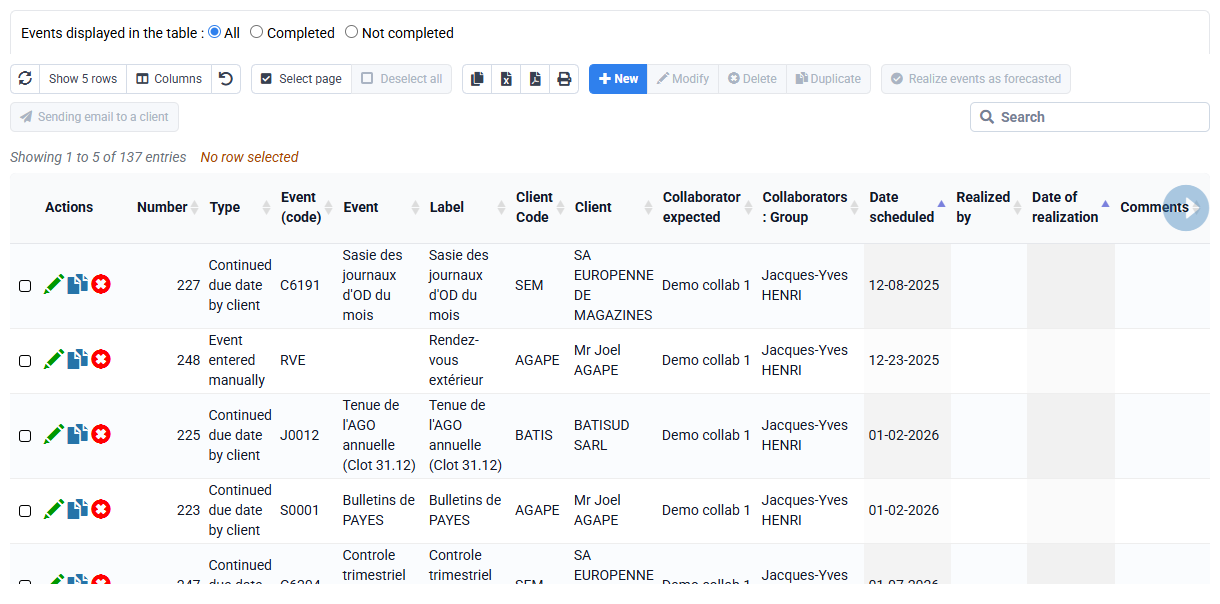
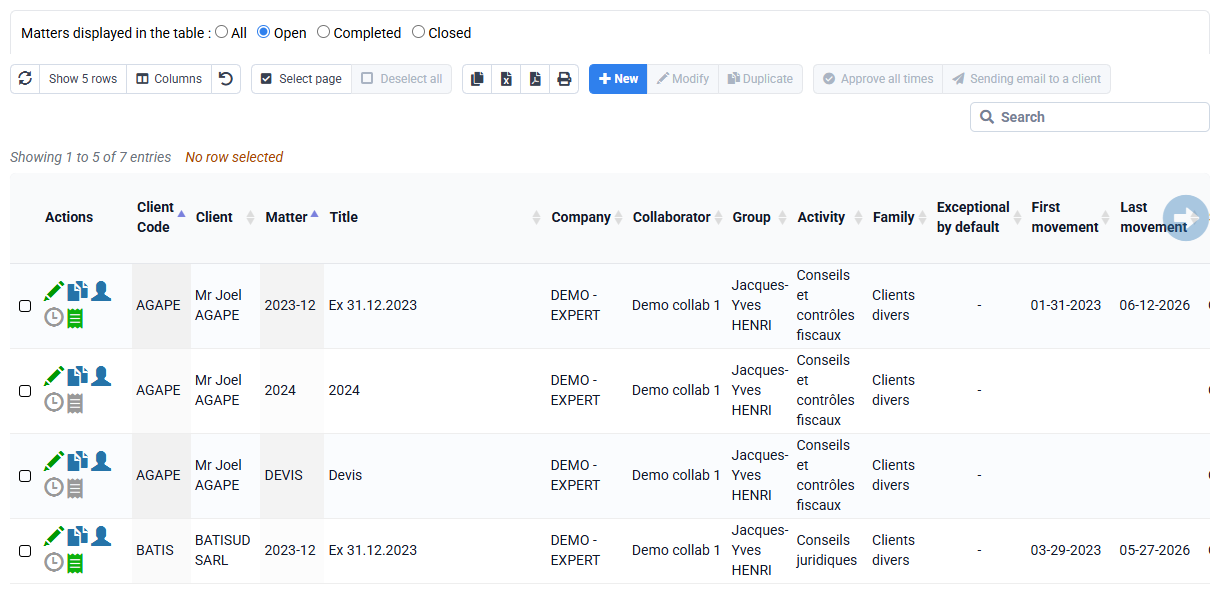
- In the menu « Clients / Matters > Matters »
- Select with the box on the far left the case to be deleted
- Click in the table at the bottom of the page on "Finish" then "execute all status changes".
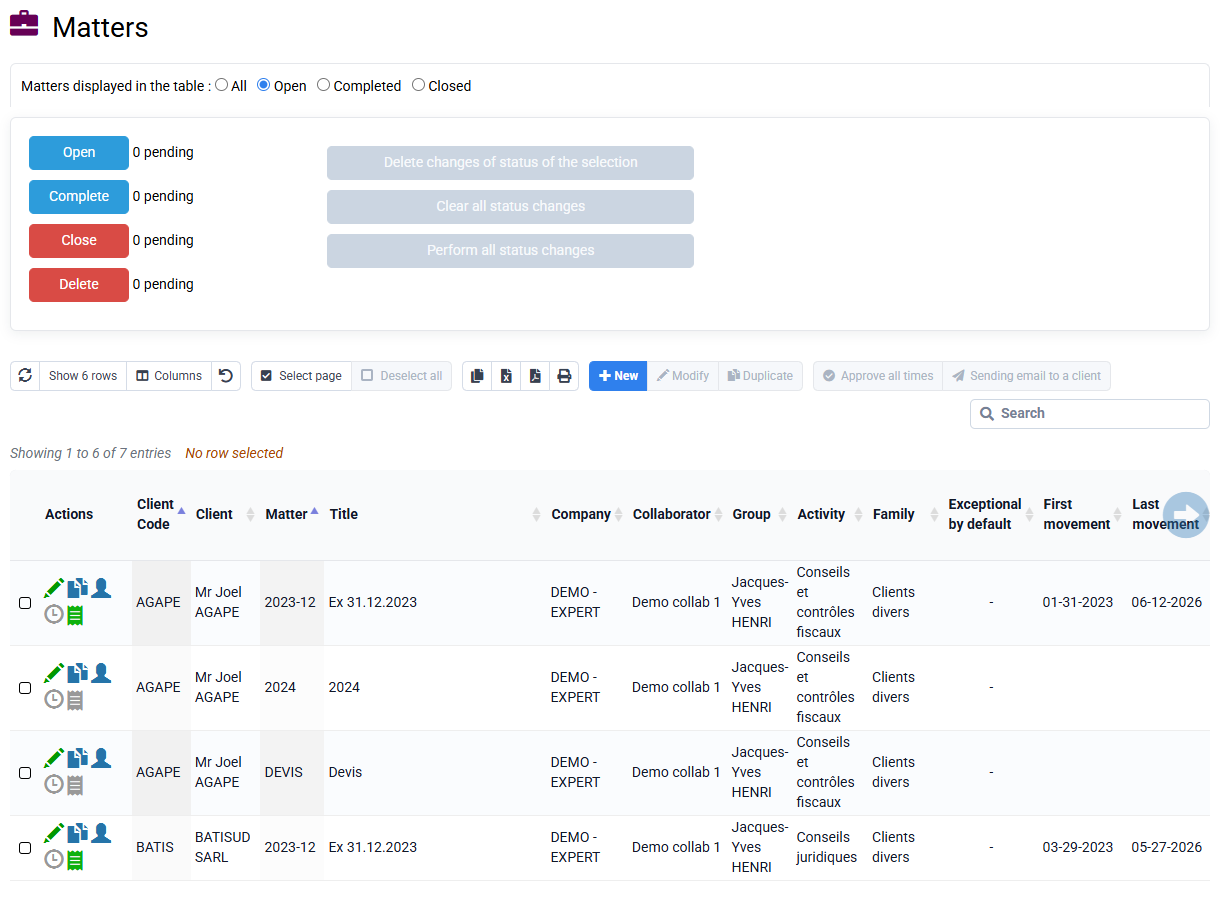
The case is now over. To view it, you can filter on "T" cases to complete.
- You can repeat this process to close the case and then delete.

You can consult the blue box on the Matters page to find out the different consequences of the change of states.
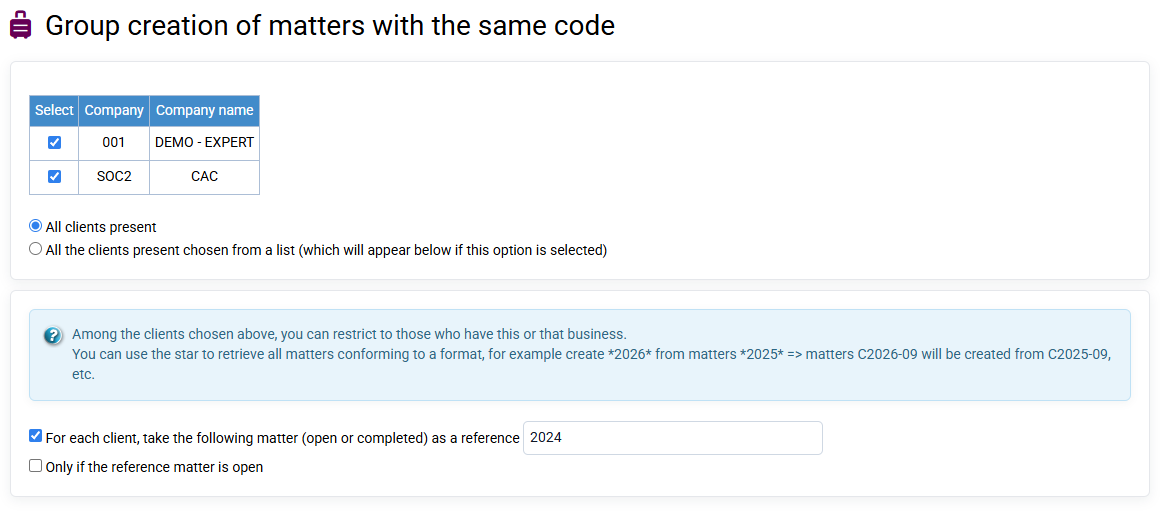
- In the menu « Clients / Matters > Matters grouped creation »
- Designate for which clients the cases will be created.
- In "creation options", add the code of your new matter then a title.
- You can then decide to keep the sales codes used in previous cases for automatic re-invoicing, or to choose others (in this case, uncheck "identical"). Same remark for the time billing unit -> "create matter".
The concept of Boni / mali, equal to the difference between "invoices issued" and "time spent valued at the sale price", allows you to make sure that you have not forgotten to invoice a customer.< /p>
You can typically use the "Summary of Achievements by Deal" report to view:
- the total time spent for all employees combined,
- the valuation of this time spent according to the hourly rates of employees,
- the total of invoices issued over the period,
- the Boni / Mali, isolating if you wish the Boni / Mali related to time and that related to costs.
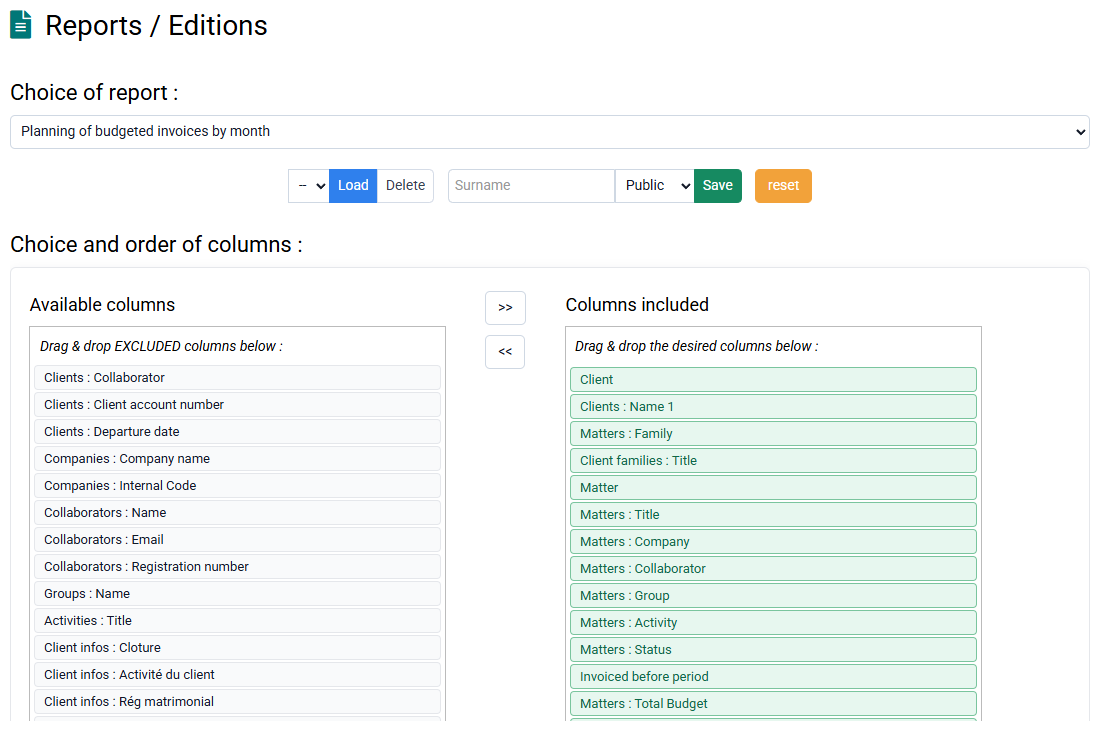
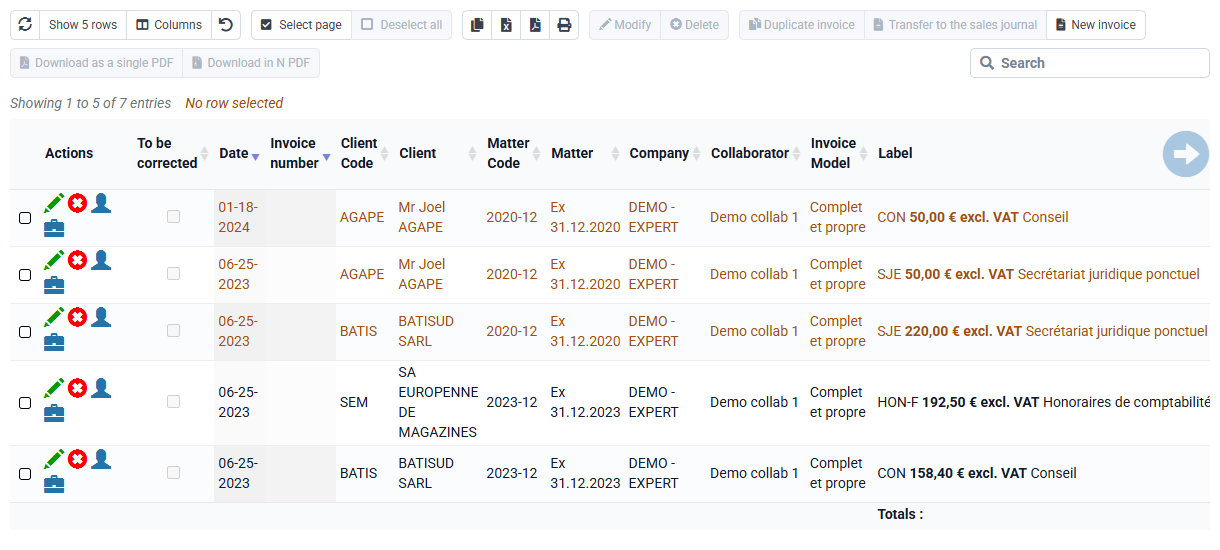
The "Details of achievements" report allows you to perform more in-depth analyzes by filtering certain data.
These concepts belong to different stages and use different valuation rules. Reconciling them explains the billing cycle; treating them as synonyms creates double counting and misleading variances.
The Tempolia management sequence
The general sequence is: budget → actual time and expenses → commercial work value → billable items → draft invoice → issued invoice → not-yet-due or overdue receivable → payment recorded and matched.
- Actual time and expenses: data recorded against the customer, engagement and period. An actual entry is not automatically billable.
- Commercial work value: the management value obtained by applying selling rates or agreed rules to actual time and expenses. It is not automatically recognised revenue.
- Exceptional items waiting to be billed: the operational subset of time and expenses marked Exceptional that has not yet been included in an issued invoice. This precise scope feeds pre-invoice ageing in the dashboard.
- Draft invoice: an invoice prepared but not yet issued. Tempolia separates it from exceptional items waiting to be billed to avoid counting the same items twice.
- Trade receivable: the amount owed after an invoice has been issued or recognised, shown including tax in customer balances and aged receivables.
Boni-mali explains a billing variance
In Tempolia, boni-mali reconciles net fees invoiced with the commercial value of actual time and expenses. It explains the difference between theoretical value and the invoiced amount. It measures neither economic margin, which uses cost, nor collection, which depends on payments.
The formula is boni-mali = invoicing issued excluding tax − commercial value of work. Therefore, if the exceptional-items balance is invoiced at its displayed value: current boni-mali + exceptional-items balance = boni-mali after adjustment. The dashboard can also express the current position as days of the annual invoicing budget and days of actual invoicing over the last 12 months.
The FAQ about boni-mali, accrued income and deferred income explains the checks by customer and engagement.
Accrued income and accounting work in progress follow other rules
- Accrued income / French account 4181: income attributed to the period although the invoice has not yet been issued. Not every open time entry or unfinished engagement automatically qualifies as accrued income.
- Service work in progress / French accounts 34 and 345: an accounting concept generally valued at production cost. It must not be assumed equal to Tempolia work valued at selling rates without a reconciliation.
- Deferred income or customer advance: a resource received or invoiced before the period to which the service relates. It may reduce the funding requirement but is not part of exceptional items waiting to be billed.
When an exceptional item enters a draft invoice, it leaves the separately presented stock of exceptional items. On issue, the value leaves the pre-invoice stage and enters receivables. On payment and matching, it leaves the customer balance.
Build a controllable reconciliation
For each metric, document the date, customer and company scope, net or gross basis, cost or selling-value basis, and whether accrued income, advances, credit notes and write-offs are included. Do not force commercial work value, exceptional items waiting to be billed and French accounts 345 or 4181 to match automatically.
To check operational data, use the reports for exceptional time waiting to be billed, exceptional expenses waiting to be billed, actuals by engagement and aged receivables. The FAQ about reports and editions explains how to select and save a report.
As a preamble: to correctly value your time by quantity according to rates specific to certain clients, you can define rates by quantity on the « Configuration > Sales price of tasks per project » page.
This then allows Tempolia to value your pay slips with the correct unit rate.
When you create new matters with bulk matter creation, you can keep the same rates or make increases.
And you can also modify these prices occasionally by modifying them directly.
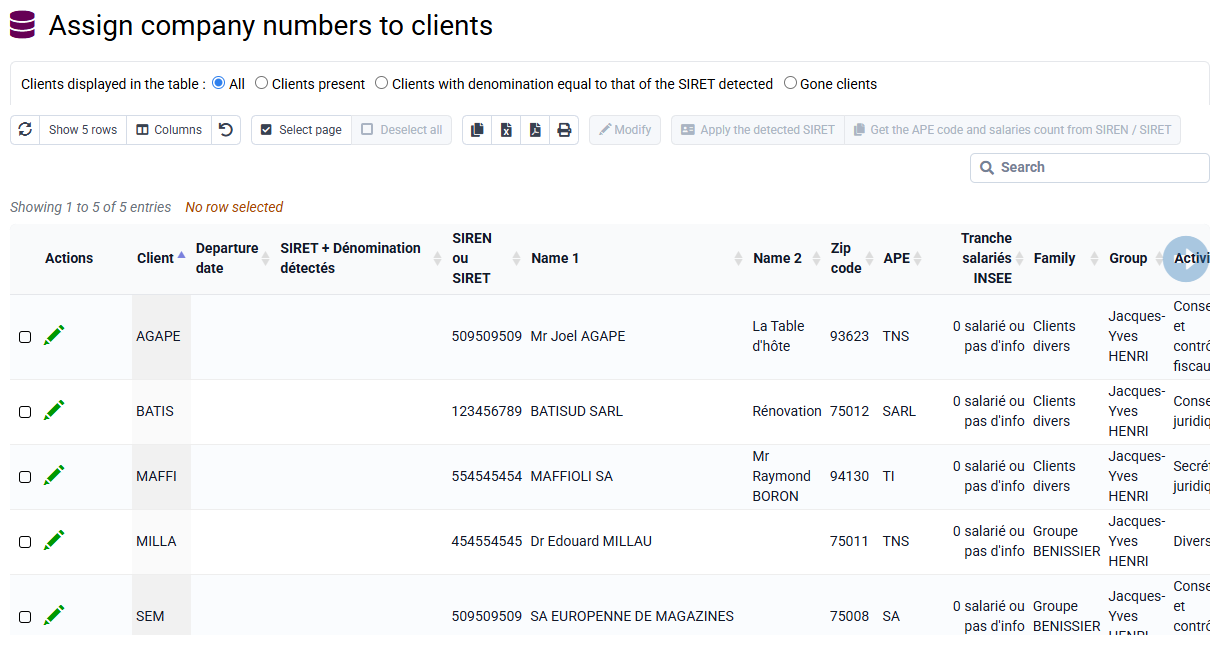
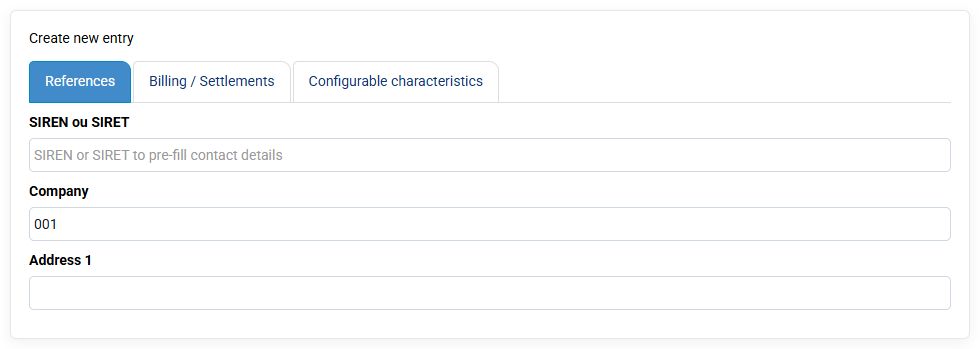
In Tools > Import, you can import "past times" by downloading a CSV file (you will have previously saved your Excel file in CSV or txt format).
By selecting "past times" as the import type, you will have to drag your column names which will have appeared on the left to our boxes in the database on the right.
The boxes in blue are mandatory: client, case, collaborator, date, task code, and quantity.
Once the match is made, you save your configuration (green button) which will allow you to reload these matches in the future, and you launch the import with the blue button at the bottom of the form: first there will be a verification anomalies, and then an import.
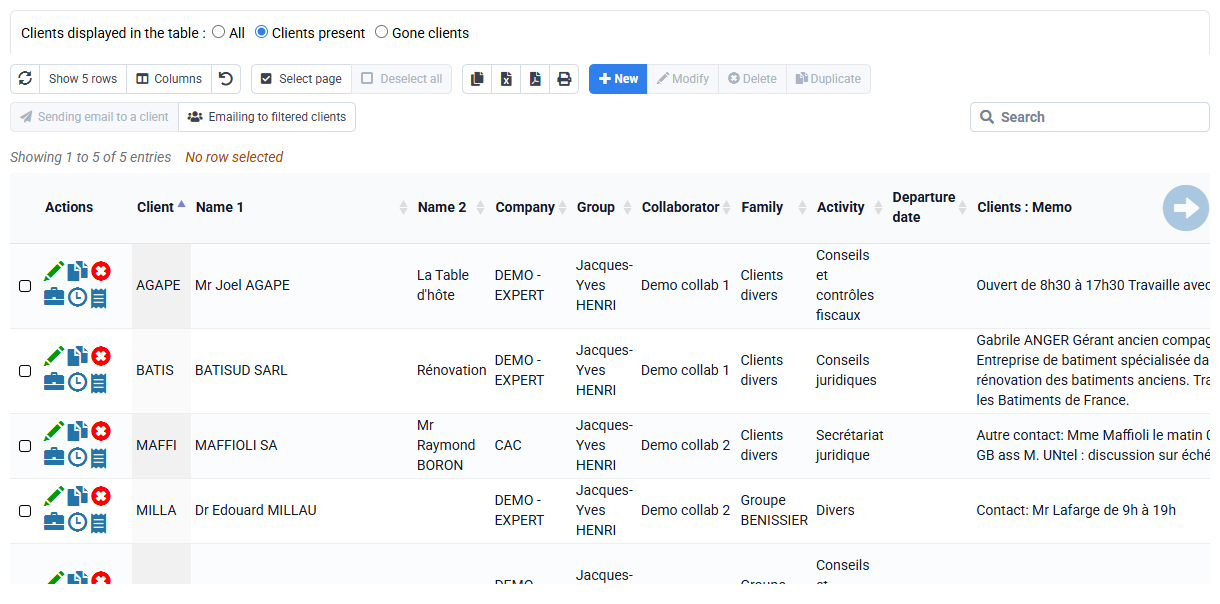
Tempolia includes several features that make project management possible. A matter can typically be created for a given project. A project is organized around several elements.
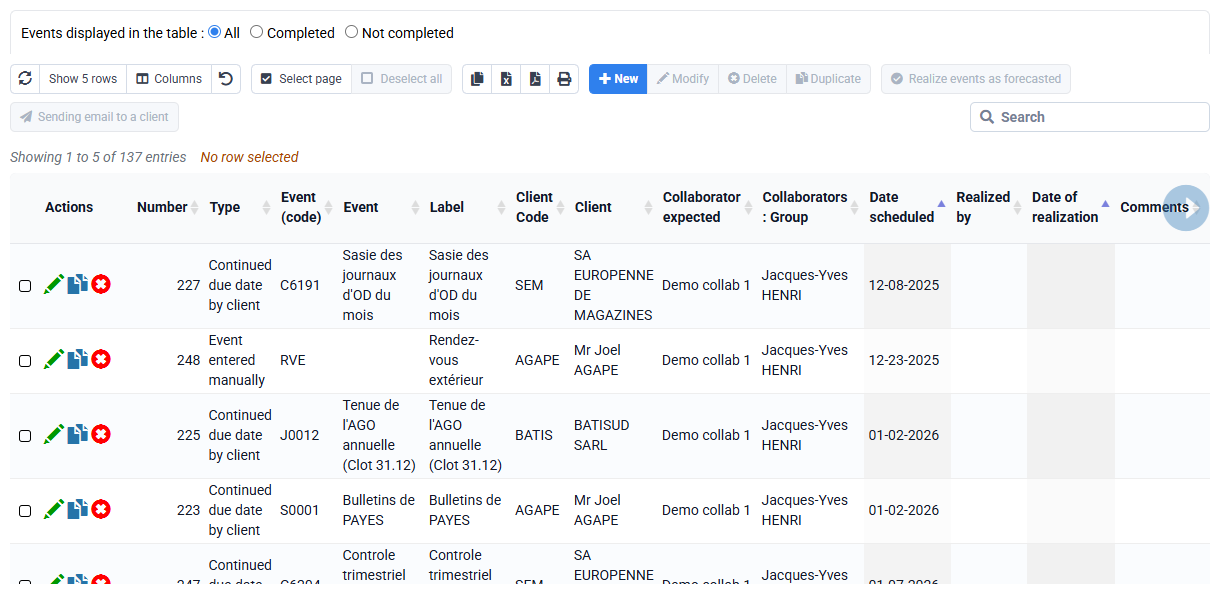
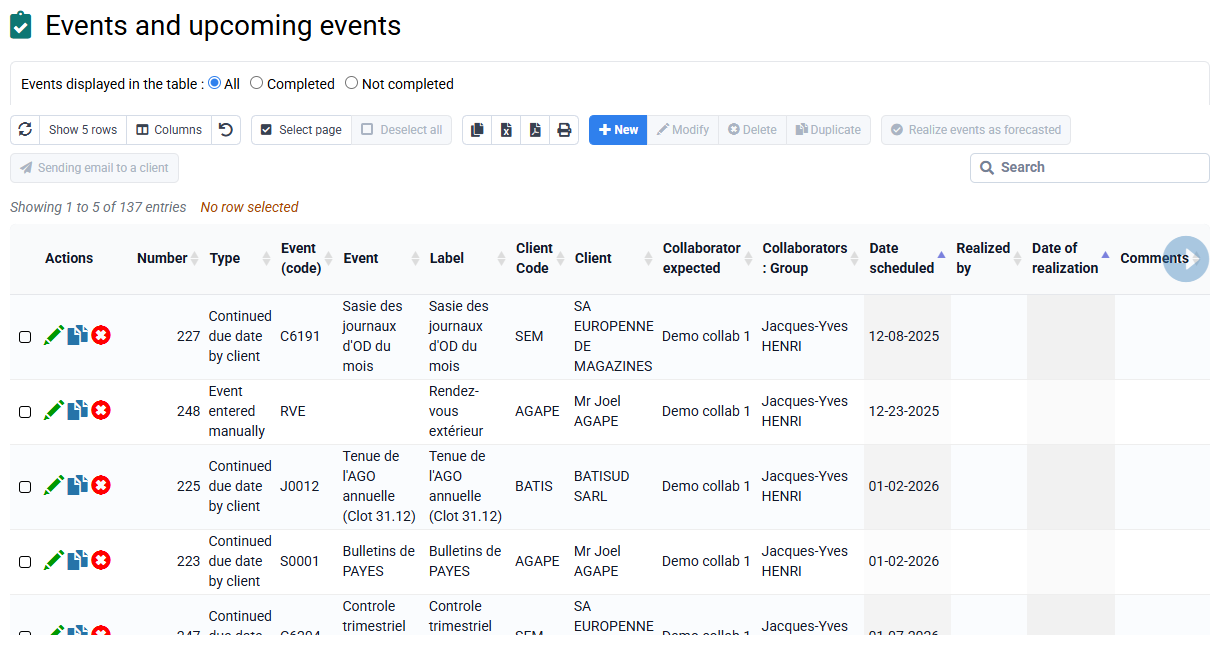
Milestones / deliverables: the "events" menu lets you create and manage tasks to be delivered to clients by a given date, which we call "events". These events may be one-off or recurring, for example VAT returns, and serve as automated reminders. A bell at the top of the screen shows the number of events to manage, based on a delay before the due date and the assignment to the logged-in employee. Tempolia offers visual Kanban boards for intuitive monitoring of actions to be completed, allowing items to be moved between "to do" and "done" statuses.
Forecast time / workload plan: this corresponds to budgeted time in Tempolia and is used as a reference to analyze actual time compared with forecasts.
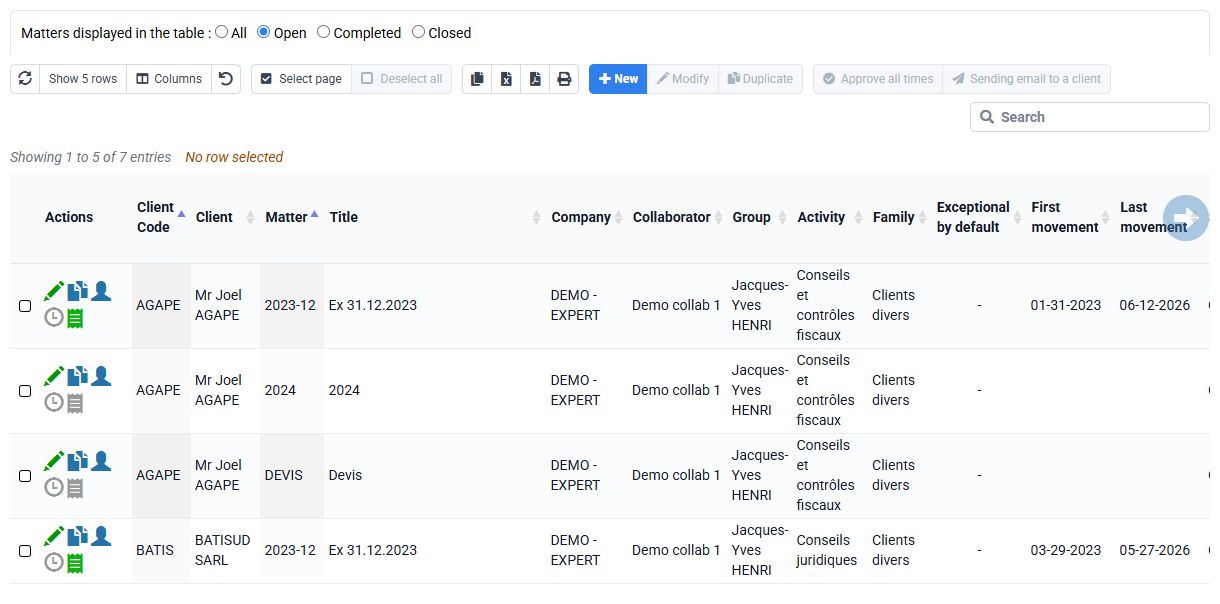
Billing budget, quote or purchase order: these can be associated with a project through the matter concept, so that the project can be billed correctly and monitored. It is possible to invoice the project based on progress by entering completion percentages for phases.
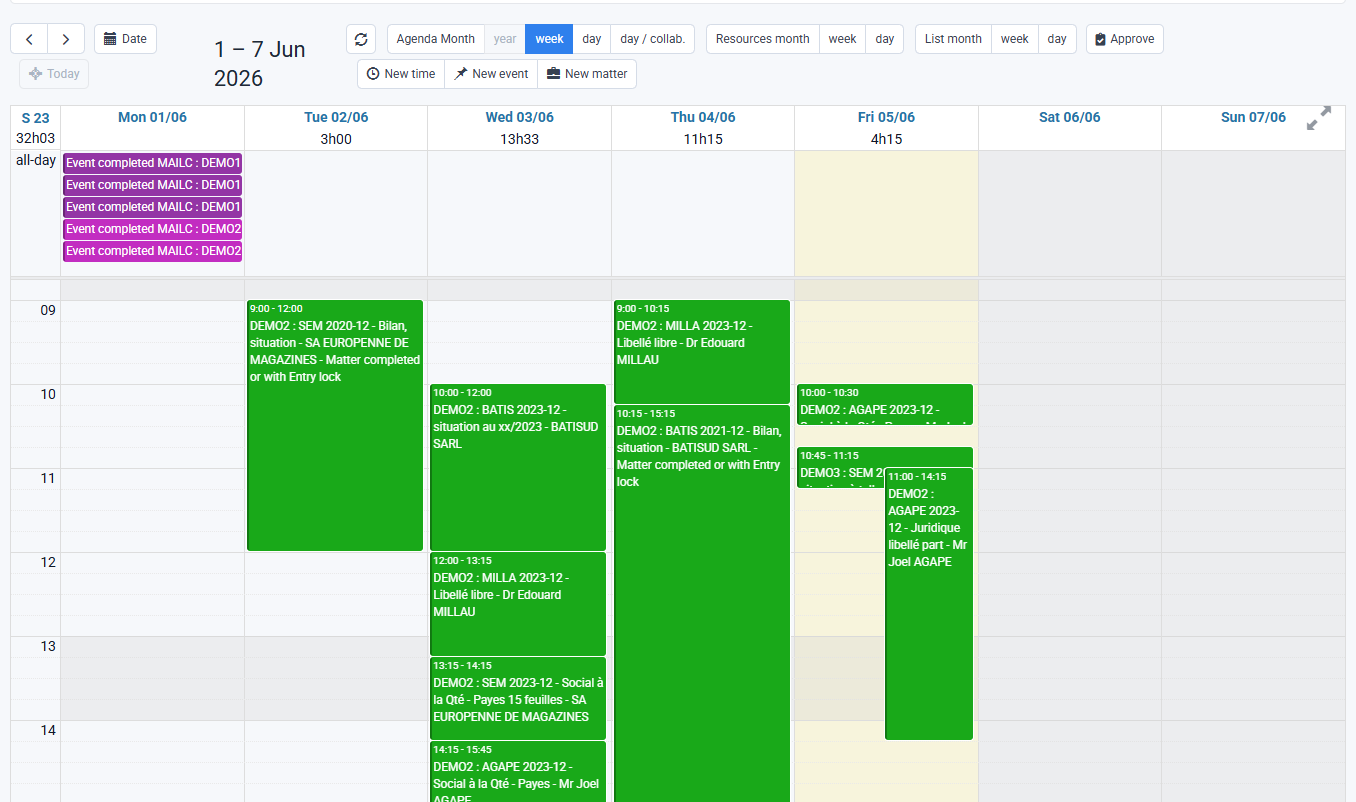
Actions to be completed appear at the top of the graphical agenda, in addition to the time spent by employees. These two concepts are entirely separate. An event cannot be converted into time spent, and time spent does not imply that an event has been completed.
Tempolia makes it possible to analyze project profitability by comparing budgeted time and expenses with actual data. Reports and dynamic tables provide detailed performance analyses, including bonus/loss and margin monitoring by project. This integrated approach makes Tempolia a practical solution for project and internal task monitoring.
Customizable fields called "customizable characteristics" in client and matter records also provide flexible storage of project-specific data, for example tax regime or managers, making it easier to organize and filter information.